

Creating Checklists
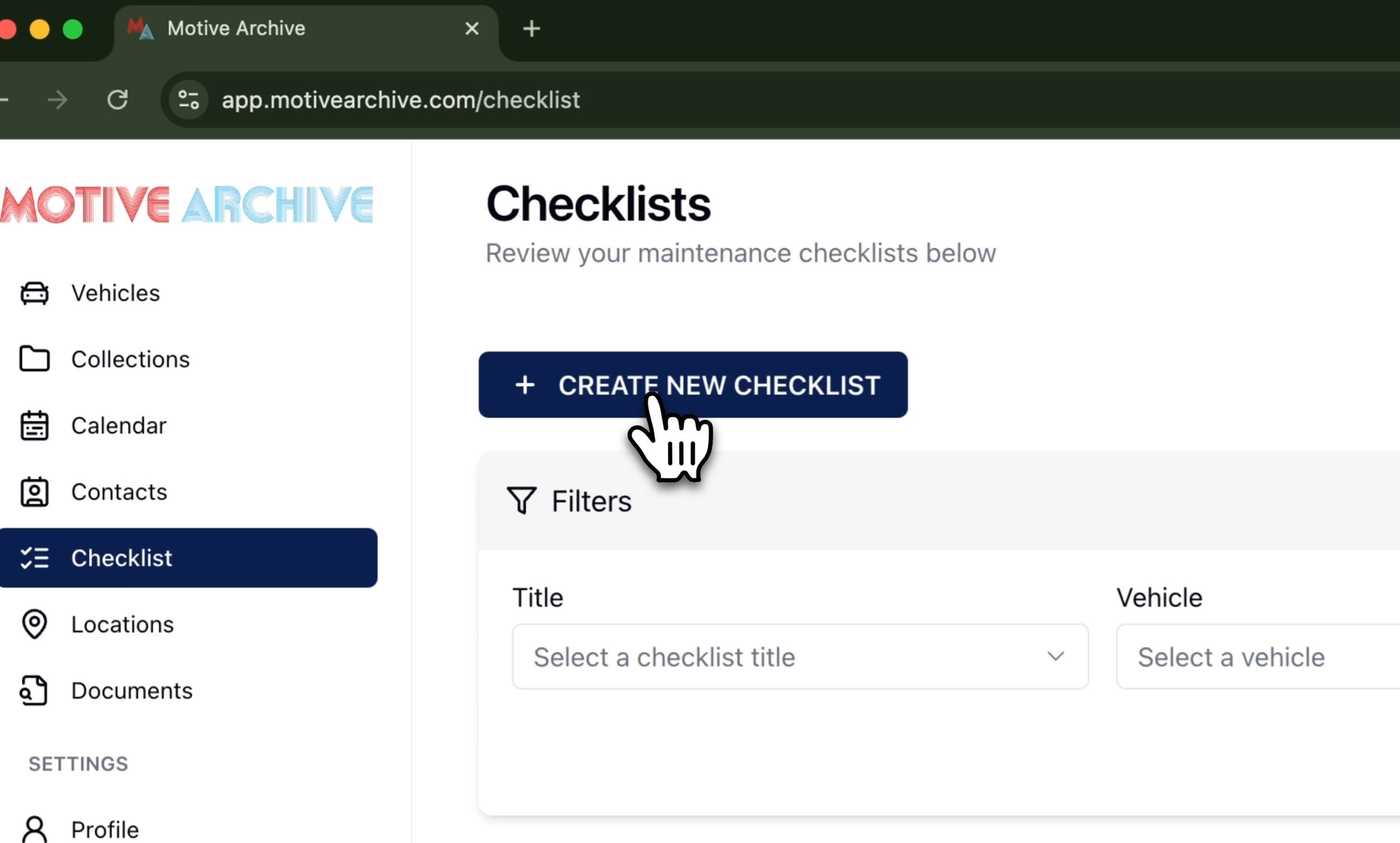
1. Open Checklists and Create New Checklist
Click the Checklist tab on the left, then select Create New Checklist.
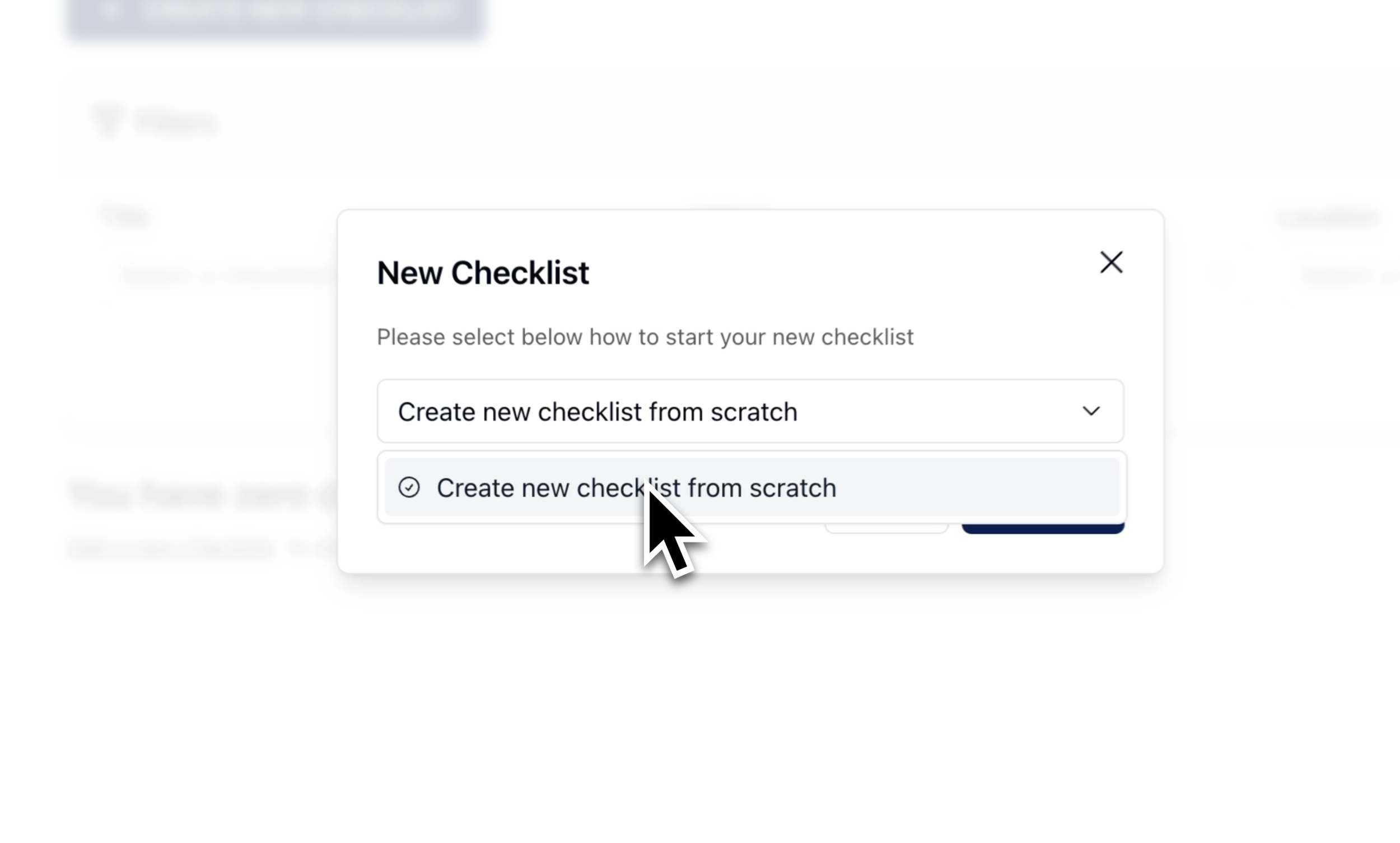
2. Start From Scratch or Template
Choose Blank Checklist to build fresh, or select a saved template from previous checklists.
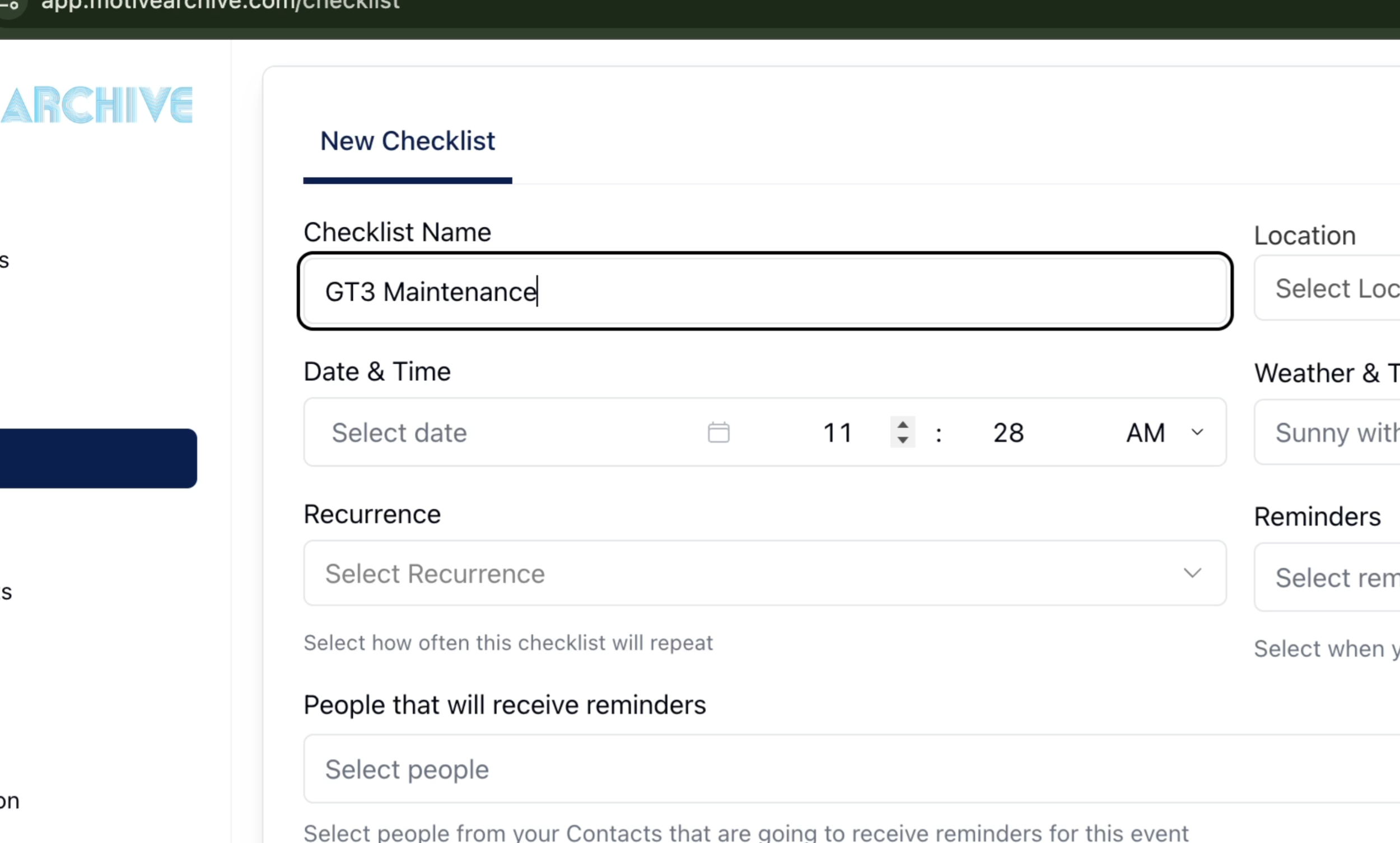
3. Name & Locate the Checklist
Name: Enter a descriptive title.
Location: Pick where the work occurs (add new locations under Locations).
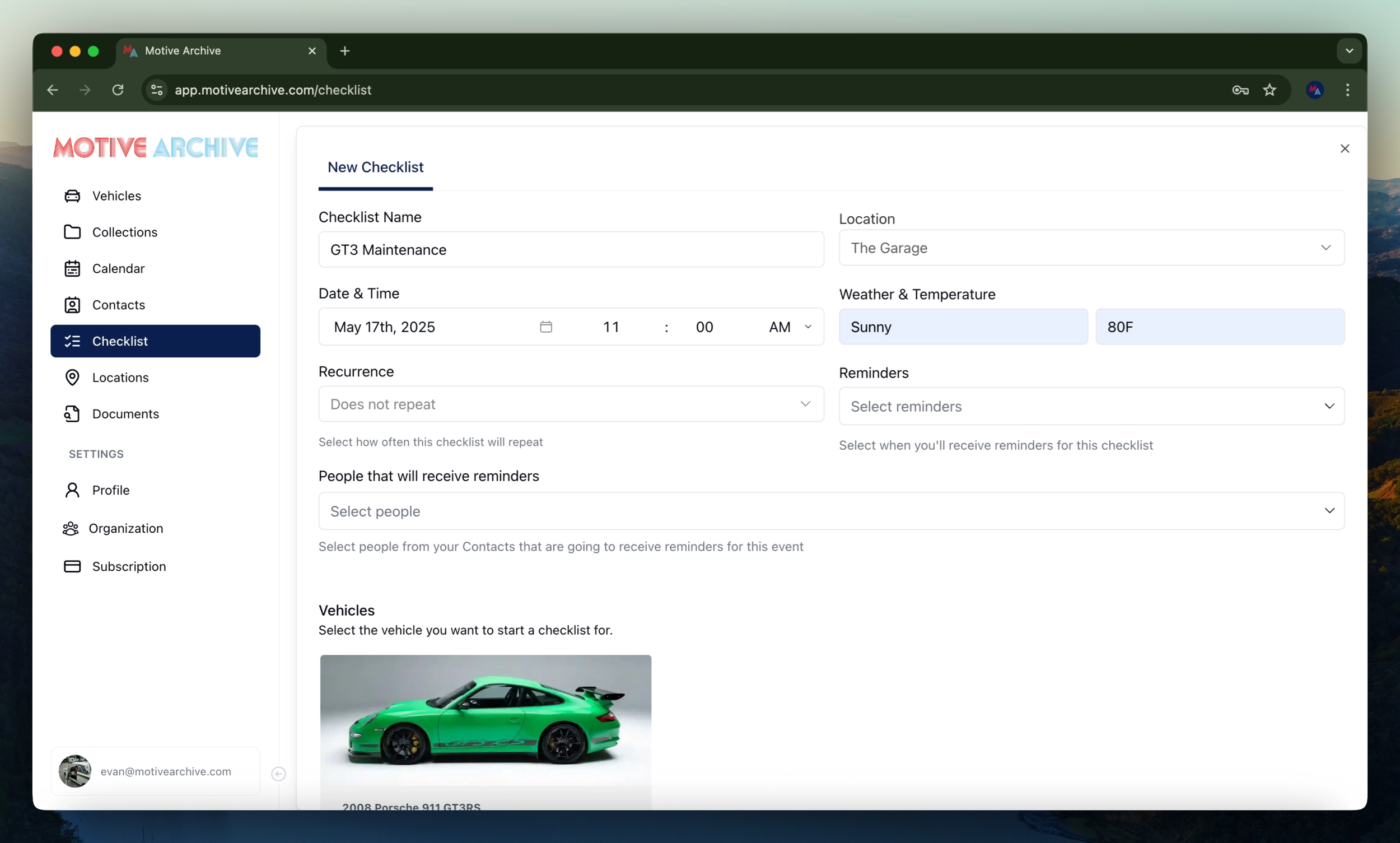
4. Schedule, Weather & Reminders
Select date and time.
Record expected weather conditions.
Enable recurrence and choose reminder timing & recipients.
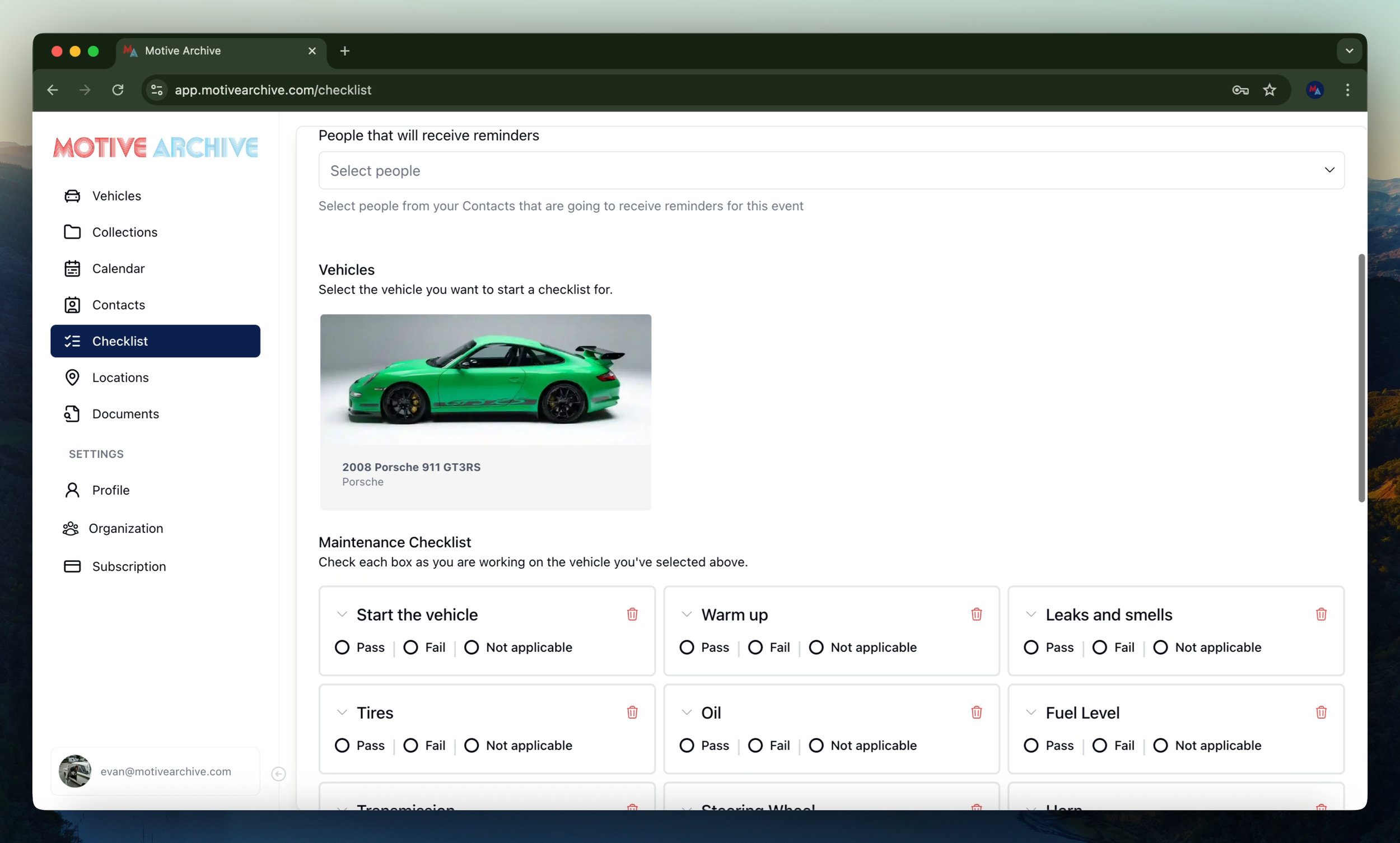
5. Select Vehicle & Customize Items
Choose the vehicle for this checklist.
Review pre‑populated maintenance tasks — delete any that don’t apply and add new items as needed.
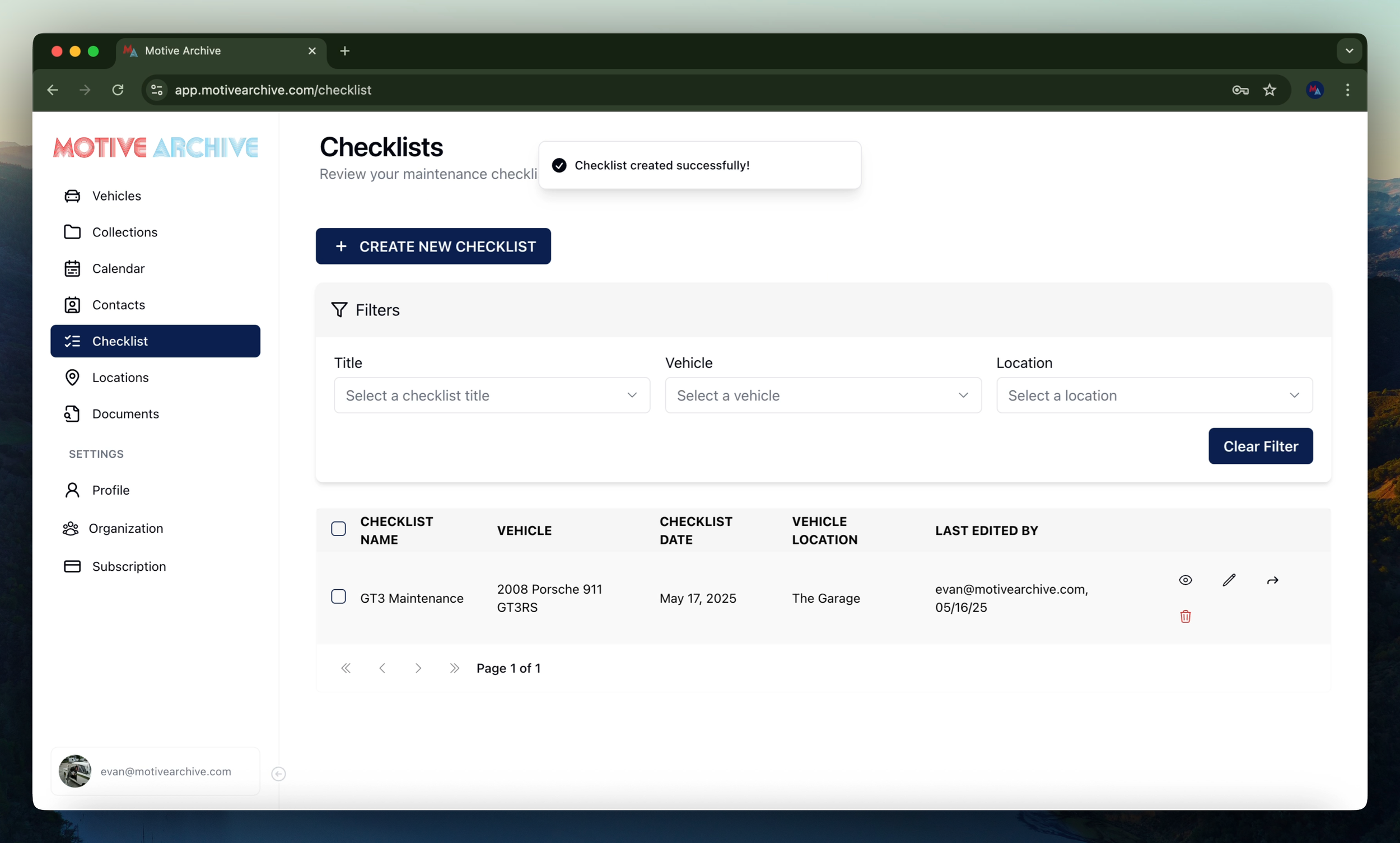
6. Attach Media, Notes & Save
Drag‑and‑drop photos or videos for visual references.
Add any additional notes.
Click Create Checklist to save. After saving, you can View, Edit, or Share the checklist with Motive Archive contacts.
Need more assistance?
Browse all our tutorials and documentation to get the most out of Motive Collection Manager.